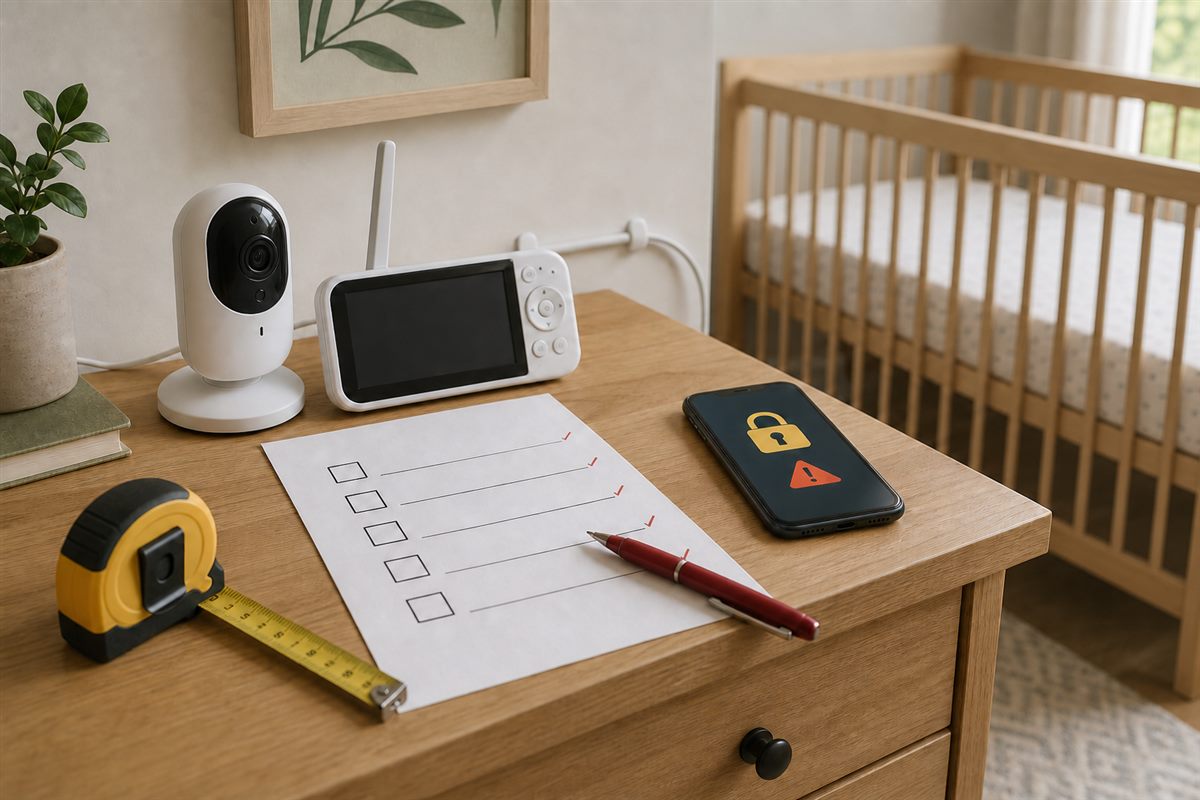
Most monitor mistakes are not about choosing the wrong brand. They are about misunderstanding what actually matters before buying.
Buying a baby monitor can feel straightforward, but many parents fall into the same traps. This guide highlights the 5 most common mistakes — and shows you how to avoid them so your monitor is safe, reliable, and worth the investment.
HD video, smartphone apps, and zoom features do not matter if the signal is weak or unstable.
The primary job of a monitor is consistent observation. Feature count comes after signal reliability, not before it. Parents who lead with spec sheets often end up with impressive hardware that underperforms in the exact rooms where it matters most.
A WiFi monitor is not just a nursery device. It is a network-connected device with ongoing software risk.
Weak passwords, poor app design, or lack of firmware updates can introduce exposure that parents do not think about at the point of purchase. Before buying a WiFi model, research the manufacturer's security update history and check whether the app requires account creation. For broader placement and privacy guidance, read are WiFi baby monitors safe.
Signal reliability, audio clarity, and useful night performance cover the majority of real monitoring needs.
Many parents pay a significant premium for remote access features, lullaby modes, and temperature sensors that rarely get used after the first week. Define what you will actually use before comparing price points.
A monitor should be tested in the actual home setup before the return window closes.
Walls, router placement, interference from other devices, and room layout can affect performance far more than listing descriptions suggest. Testing the monitor in the same conditions where it will actually be used is the only way to know whether it will perform reliably.
A product can meet baseline compliance requirements and still be frustrating, inconsistent, or poorly suited to your actual setup.
Compliance is not the same thing as decision quality. A product that passed a test at a specific moment in time may perform differently in your home, with your network, and in your daily routine. Use a structured checklist to close the gap between compliance labels and actual suitability.
Avoiding the wrong features is only half the decision. Turn the requirements you actually need into a budget-aware shopping plan.
The checklist removes guesswork and forces a more defendable comparison before you spend.
Open Baby Monitor Checklist →This article highlights common failure points. Before you decide, use the full checklist — it maps your specific situation to the right features and flags what to avoid.